---
title: Xcode as a Prototyping Tool for Designers
teaser: Xcode can be a great prototyping tool for iOS designers.
tags: design,ios,product design
author: Michelle Venetucci Harvey
published_on: 2015-04-07
---
There are a lot of prototyping tools out there for designers. Some of our
favorites include [Framer.js], [Pixate], [Flinto], and [Invision], all of which
provide different ways for designers to show interaction and test their designs.
[Framer.js]: http://framerjs.com/
[Pixate]: http://www.pixate.com/
[Flinto]: https://www.flinto.com/
[Invision]: http://www.invisionapp.com/
However, I’ve recently started learning how to prototype in Xcode through
Codepath’s [iOS for Designers] bootcamp, and there are a few reasons why I think
it can be a great process for designers to get comfortable with.
[iOS for Designers]: https://codepath.com/iosfordesigners
### Interface Builder is a very visual tool
Before I’d ever opened Xcode I had seen some Objective-C, and let me tell you -
that code can look scary. Xcode’s Interface Builder is exceedingly more
approachable.
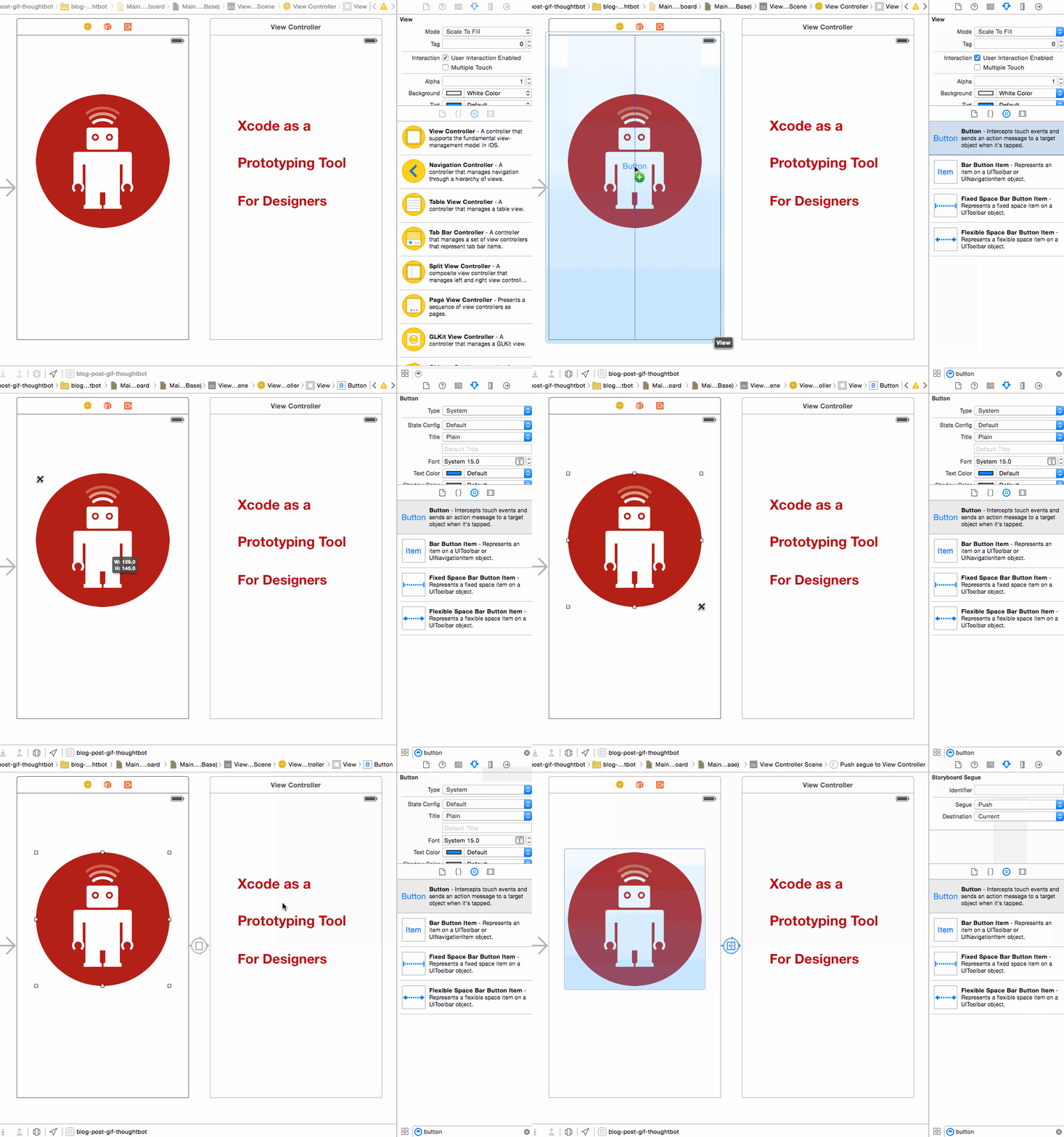
You can build out major portions of an app in Interface Builder, using
collections of interface objects like text fields, buttons, and switches. These
objects are inserted into view controllers with a simple drag and drop. The
visual nature of Interface Builder makes it easier for designers to work with while
prototyping, and also serves as a way to quickly map out an app’s structure.
Learning a couple of basic ways to hook up these mockups to source code will help
the prototype start feeling like a real, working app, and previewing in the iOS
simulator is a great way to get a real-world look at the design.

A screenshot of a Tumblr prototype in Interface Builder
### Designers benefit from understanding app development
By using the same tool that engineers use to build apps, designers can become
more comfortable with terminology, app architecture, and general constraints
involved in building apps. All of this facilitates communication between
designers and engineers, and informs the entire design process.
### Prototyping with Xcode reduces hand-offs
One of the big perks of prototyping in Xcode is that it cuts down on redundant
work and misunderstandings that happen when designing and developing apps.
Instead of trying to recreate a design from another prototyping tool or even a
photoshop mock-up, engineers who receive Xcode prototypes can immediately
iterate on the work of a designer.
### Using Xcode creates more efficient feedback loops
From a design standpoint, the more comfortable designers are with Xcode, the
easier it is to jump in at any stage of development and update images, buttons,
transitions, and other features that designers are interested in changing.
There's something to be said for a prototyping tool that seamlessly integrates
into the actual development process, making prototyping itself a more integrated
concept.
### Lessons from designing for the web
For the past 20 years, print designers have been moving over to the web. We
often find that designers benefit from understanding how to iterate in the
browser, and many designers have found their niche in creating animations and
other interactive design elements. It's worth trying to apply the same lesson to
mobile design. Understanding the platform that engineers use allows designers to
create faster feedback loops and better interaction design, tailored to the
platform users will be experiencing the design in.