---
title: How to Splunk with Heroku
teaser:
tags: web,rails,heroku
author: Dan Croak
published_on: 2013-02-23
---
[Splunk](http://www.splunk.com) is company that offers logging services. They
went public last year, have a market cap of over $3 billion, and are
headquartered in San Francisco's SoMa neighborhood.
I've tried Loggly and Papertrail. In my opinion, Splunk is the best of the
bunch due to its:
* Real-time or very-near-real-time data discovery.
* Wildcard search.
* Timespan dragging.
Loggly and Papertrail offer Heroku add-ons but Splunk doesn't. So, setup is a
bit more complex with Splunk. Here's how to do it.
Go to [Splunk Storm](https://www.splunkstorm.com). Create an account.
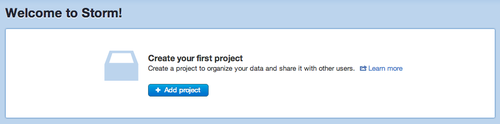
Once signed in, create a project:
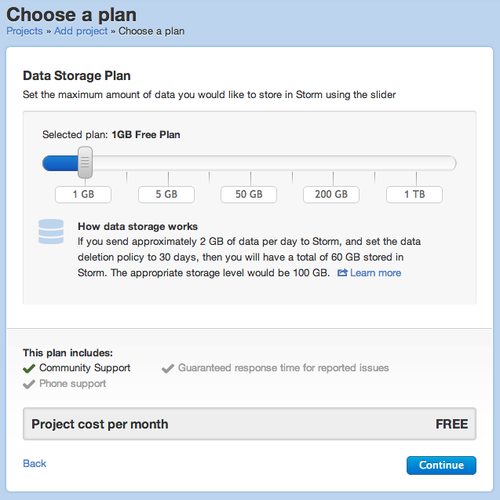
You can start with a free plan:
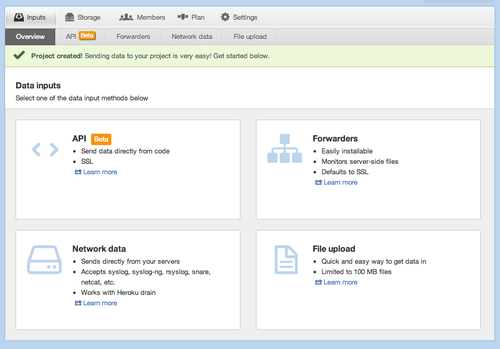
Click "Network data":
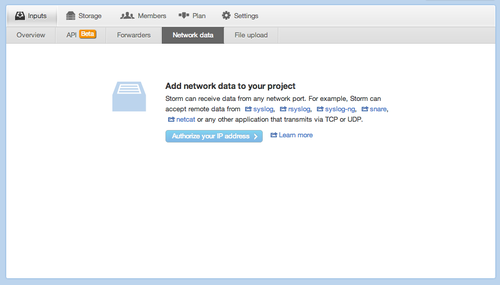
Click "Authorize your IP address":
Click "Automatically":
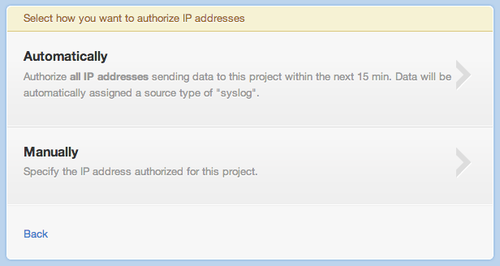
You now have 15 minutes to send Splunk data. Copy the URL in the text box:
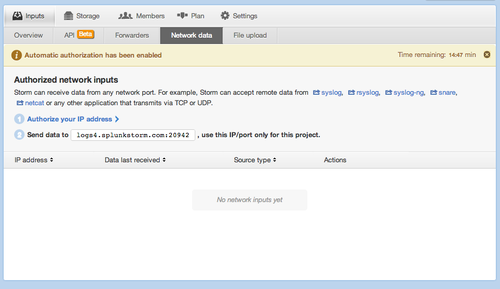
Then, add a [Heroku syslog drain](https://devcenter.heroku.com/articles/logging#syslog-drains):
heroku drains:add logs4.splunkstorm.com:YOURSPLUNKPORT
Perform a few activities on your app to send data to the drain. Then, click
"Explore data":

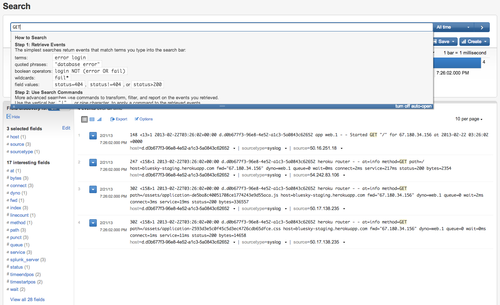
Perform a search, maybe using wildcards:
Filter by dragging a timespan:
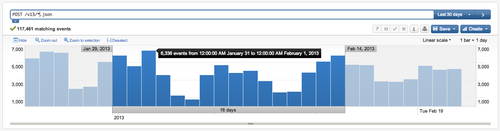
Watch how quickly the data loads.
On Rails apps, the default production log level includes enough data to be
useful in Splunk. Change it to `DEBUG` only when debugging:
heroku config:add LOG_LEVEL=DEBUG
At the `DEBUG` level, Rails will print SQL queries to the logs, which can be useful but may also
contain sensitive data as [`config.filter_parameters`](http://guides.rubyonrails.org/configuring.html#configuring-rails-components)
does not apply to SQL queries.